
 November 22, 2025

For years, FileMaker Pro Runtime was a quiet hero in the world of custom apps. It allowed developers to package their FileMaker solutions into standalone applications and distribute them freely, without requiring end users to purchase a FileMaker license. This democratized access to small, purpose-built tools—whether for nonprofits, classrooms, or niche business workflows.
Understandably this got abused at times. At an early FileMaker conference, I heard a story about FIleMaker reps going onsite at a large corporate location, I believe it was, Motorola and finding that the IT department had deployed 30,000 copies of Runtime, and weren’t paying a dime in licensing fees for using the software. Shortly after that FileMaker Inc (at the time, now Claris), eliminated networking capabilities from Runtime. Even without networking, Runtime was a useful tool for creating quick apps and getting them into people’s hands.
That freedom ended when Claris decided to discontinue support for Runtime. The decision closed the door on one of FileMaker’s most generous features, leaving independent developers and community builders scrambling for alternatives. For many, it felt like a missed opportunity: Runtime was not just a technical feature, but a philosophy of accessibility.
A Workaround for Free Distribution
While Runtime is gone, a new route has quietly emerged (at least for Mac users with an iPhone):
- FileMaker Go is free. Anyone can download it on iOS and run FileMaker apps without paying for a license.
- Apple now supports iPhone mirroring on macOS. This means you can run FileMaker Go on your iPhone and mirror the app directly to your Mac, effectively creating a free desktop experience.
Together, these two developments open a backdoor to free distribution. Developers can still share FileMaker apps without licensing hurdles—users simply open them in FileMaker Go, and if they’re on a Mac, they can mirror the app for a larger-screen experience.
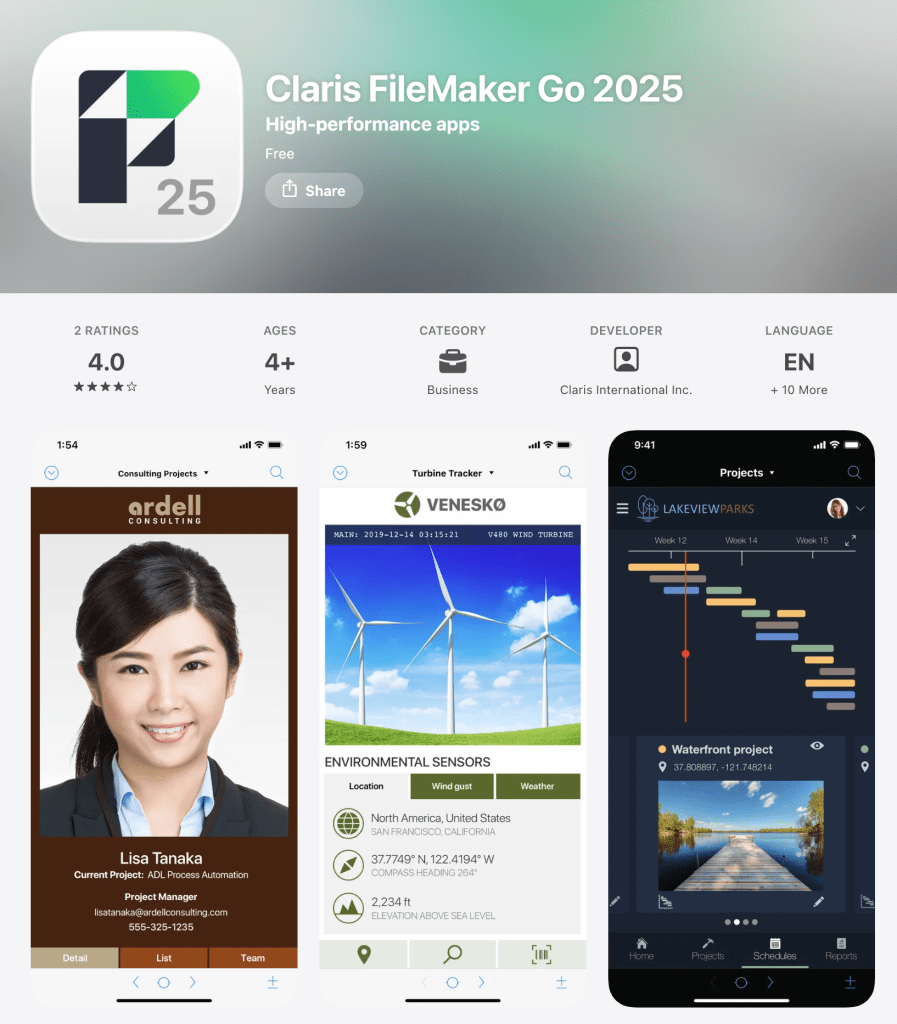
How to Distribute Free FileMaker Apps Using FileMaker Go + iPhone Mirroring
Even though FileMaker Runtime is gone, you can still share apps without requiring paid licenses. The trick is to use FileMaker Go (free on iOS) and Apple’s new iPhone mirroring feature on macOS. Here’s how:
1) Build Your FileMaker App
- Create your solution in FileMaker Pro as usual.
- Test it thoroughly to ensure it runs smoothly in FileMaker Go (some desktop‑only features may need adjustment).
2) Prepare the File for Distribution
- Save your FileMaker file (.fmp12).
- Share it with users via email, cloud storage (Dropbox, OneDrive, iCloud), or a website download link.
3) Install FileMaker Go
- Users download FileMaker Go from the iOS App Store (it’s free).
- Open the shared .fmp12 file in FileMaker Go on their iPhone or iPad.
4) Use iPhone Mirroring on macOS
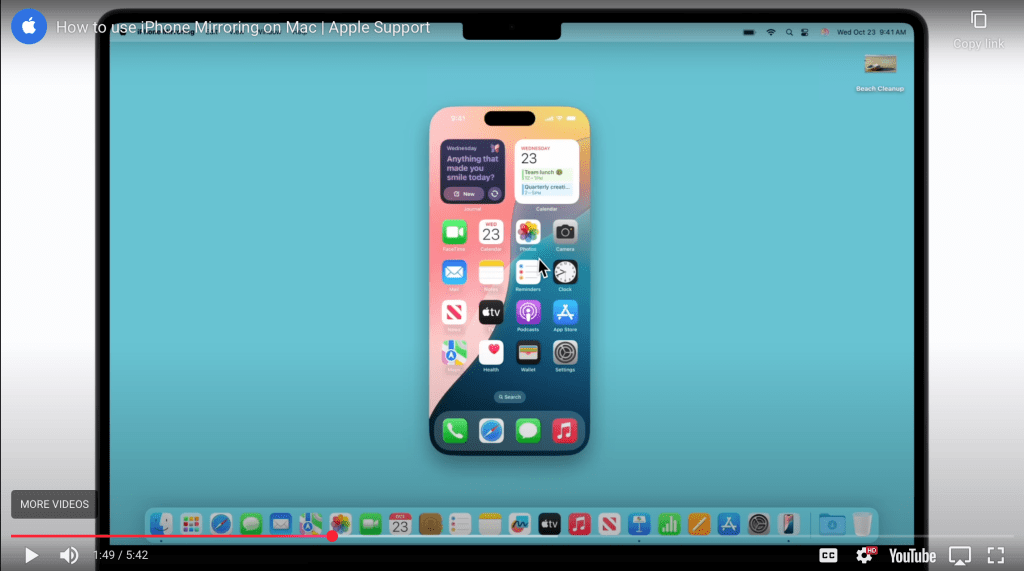
- On macOS Sonoma or later, connect your iPhone to your Mac.
- Enable iPhone Mirroring in System Settings → General → AirPlay & Handoff.
- Your iPhone screen (running FileMaker Go) now appears on your Mac desktop.
- Interact with the FileMaker app using your Mac’s keyboard and mouse.
5) Share the Experience
- Distribute instructions along with your app file so users know how to set up mirroring.
- This way, they can run your FileMaker app for free on both iPhone and Mac, without needing a FileMaker Pro license.
Other Benefits
- A bonus of this technique (hack) is that FileMaker Go can be used to open a file from a local server so at least a part of the networking capability is restored.
- Entering data on FileMaker Go via a Mac gives much better keyboard control than is available using the iPhone. Of course one could simply use a Bluetooth keyboard on the iPhone, but many people will find a mouse and keyboard much more flexible and useful on a desktop (or laptop) computer.
- a used low end iPhone will work just fine to run FM Go. It is not resource intensive so as long as it is running a reasonable current version of iOS, it should be fine. These can often be had for less than a FileMaker Pro license.
Limitations
- I don’t think you can do this with an iPad, the iPhone Mirroring part.
- I don’t see how to do landscape mode on the iPhone, which would be useful.
- Some thought will need to go into setting up your layouts to optimize for the iPhone touch interface and screen size.
Why This Matters
This workaround doesn’t fully replace the old Runtime, but it restores the spirit of free distribution. Developers can still share useful tools with communities, nonprofits, or small teams without licensing barriers. And thanks to Apple’s mirroring, the experience feels much closer to a desktop app.
It’s not the same as the old Runtime, and it is limited to users with a modern Mac and iPhone, but it’s a clever workaround that keeps the spirit alive: enabling creators to share their work freely. In a world where software access is often gated, finding these routes matters. Runtime may be gone, but the ingenuity of the FileMaker community ensures that free distribution isn’t.
Links:
FileMaker Runtime Deprecation
- Claris Support: FileMaker Runtime End of Life Explains why Claris deprecated Runtime and when it was removed (FileMaker 19).
- Deprecated Features in FileMaker Pro 2023 Lists Runtime among the removed features and suggests alternatives like FileMaker Cloud.
FileMaker Go download
Apple iPhone Mirroring Setup
- Apple Support: iPhone Mirroring on Mac Official guide to using iPhone Mirroring, including setup steps, system requirements, and interaction tips.
- Cult of Mac: Everything You Need to Know About iPhone Mirroring A user-friendly overview with practical use cases and troubleshooting tips.
- SimplyMac: How to Use Screen Mirroring from iPhone to MacBook Covers both AirPlay and the newer iPhone Mirroring feature, with step-by-step visuals.

 HomeBase Software
Comments are closed.