
 July 14, 2023
YouTube has become a juggernaut since its launch in 2005. It is now by far the most popular platform for video consumption on the internet. Unfortunately, watching YouTube videos for their information content can sometimes be a frustrating exercise, especially when the content creators don’t optimize their videos. If you want to skip an intro you have heard a dozen times or jump forward to just the spot where the crucial information is, here are some tips. Surprisingly, many people don’t know about some of the great shortcuts available built into the YouTube video player.
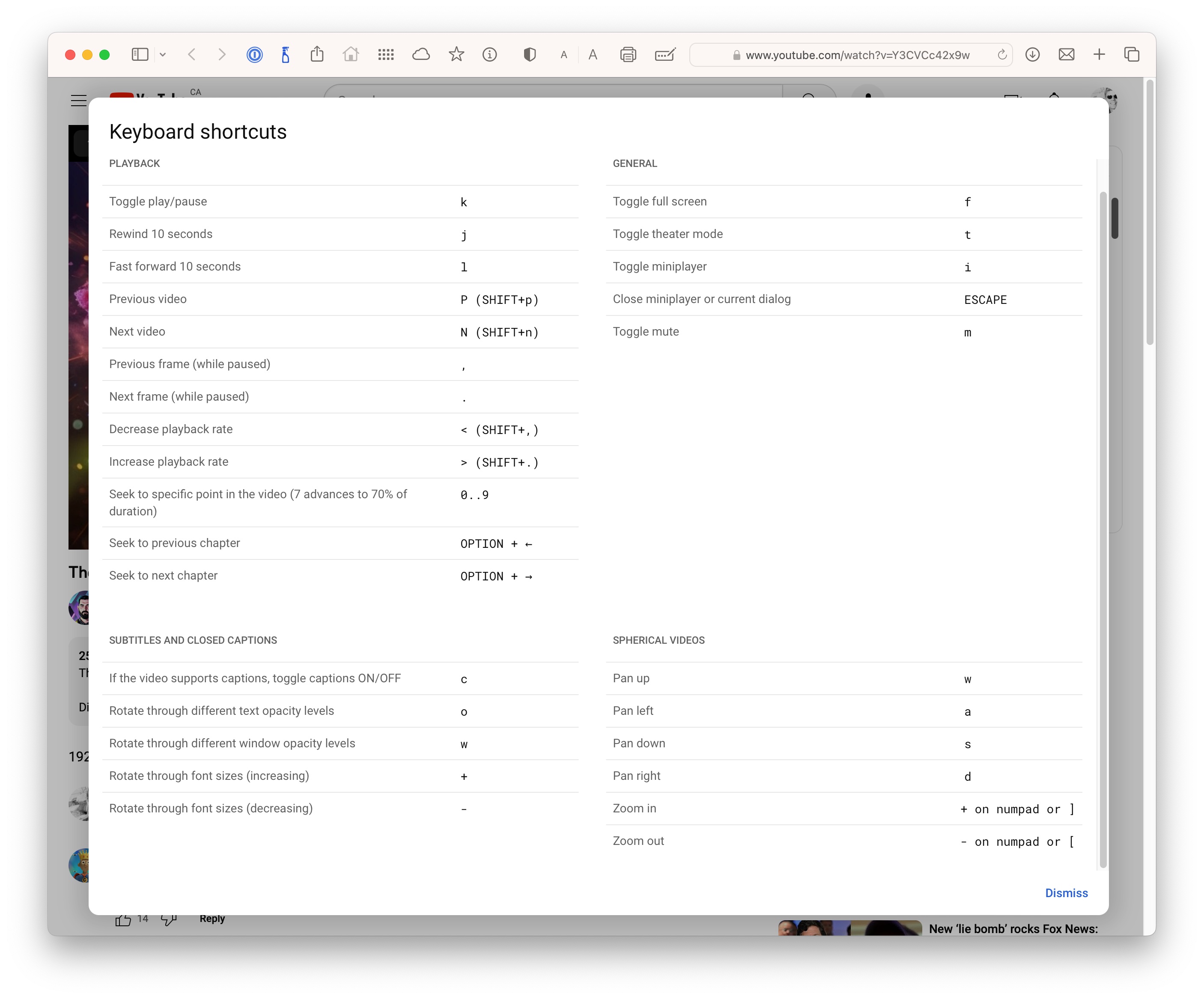
Typing Shift ? brings up a screen with all the handy shortcuts you can use in YouTube to speed up watching videos and optimize your viewing experience.
Some of my favorites:
- Typing the letter L jumps ahead 10 seconds.
- Typing the letter J jumps back 10 seconds in case you missed something.
- The letter K, or the spacebar, will toggle between pause and resume the current video.
- Frame-by-frame movement can be done with the period (.) to move ahead one frame and the comma (,) to move back a frame.
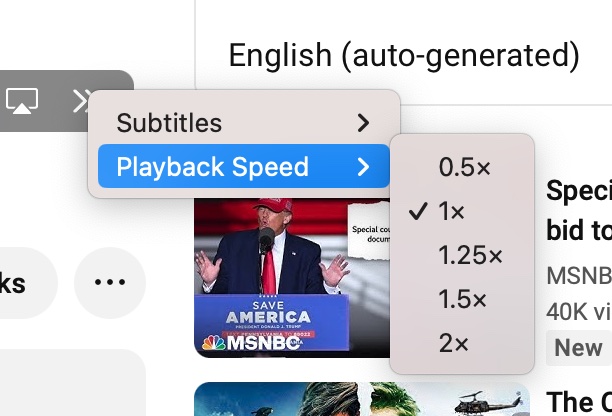
- YouTube can play your video at up to 2x speed.
- The letter M is handy if you need to mute the video quickly. Tap it again to toggle the sound back on.
You can toggle through these different video playback speeds by using the Shift < and Shift > key combinations:
- Speed up the video with Shift >.
- Slow down the video with Shift <.
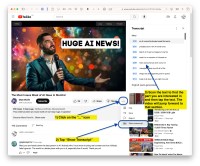
Often, there are closed captions or a transcript associated with videos. This can be a handy way of moving through a video if you just want to find something by scanning the text. Currently, there doesn’t appear to be a search function in the transcript, but perhaps one day. Also, an easy way to download a transcript would be great.

- Toggle the letter C to turn on or off closed captions in your default language.
- The letter T puts you in wide screen mode
- The letter F will toggle in and out of Full Screen Mode.
I hope you have found something new here that improves your efficiency and makes watching YouTube a more enjoyable viewing experience. If you take a few minutes to learn these shortcuts and tricks, you can become a YouTube-watching power user.

 HomeBase Software
Comments are closed.